The Upstox API for algo trading has become one of the most accessible solutions for Indian retail traders looking to automate their strategies. Unlike manual trading, an API-driven approach lets you execute trades programmatically, respond to market conditions in milliseconds, and manage multiple positions simultaneously.
Whether you’re a Python developer building custom trading bots or a trader automating existing strategies, Upstox provides the flexibility serious traders need.
Why Choose Upstox for Algo Trading?
- Low Brokerage: Flat per-order commissions make it cost-effective for high-frequency strategies
- Robust API: REST endpoints and WebSocket connections for real-time data streaming
- Comprehensive Documentation: Well-maintained API docs with Python examples
- Multi-Segment Support: Trade across NSE, BSE, MCX from a single API
- Free API Access: No additional charges for API usage beyond standard brokerage
Getting API Access on Upstox
- Log into your Upstox account at upstox.com
- Navigate to the Developer Console (API section)
- Click “Create New App”
- Fill in app name, redirect URL (http://localhost:3000/callback for local testing)
- Note your API Key and API Secret
Your API credentials are like your house keys—never share them or commit them to public repositories.
Authentication Setup (OAuth 2.0)
Upstox uses OAuth 2.0 for secure authentication. The flow involves redirecting users to Upstox login, getting an authorization code, and exchanging it for an access token.
The access token expires daily (at market close). You’ll need to re-authenticate each trading day—automate this in your script’s startup routine.
Placing Orders via the Upstox API
Once authenticated, placing orders is straightforward using the Upstox REST API. You can place market orders, limit orders, stop-loss orders, and bracket orders. Always include proper error handling and logging for every API call.
Order Types Available
- Market Order: Execute immediately at current price
- Limit Order: Execute at specified price or better
- Stop-Loss Order: Trigger when price hits stop level
- Stop-Loss Market: SL trigger with market execution
Integrating Upstox with TradingView
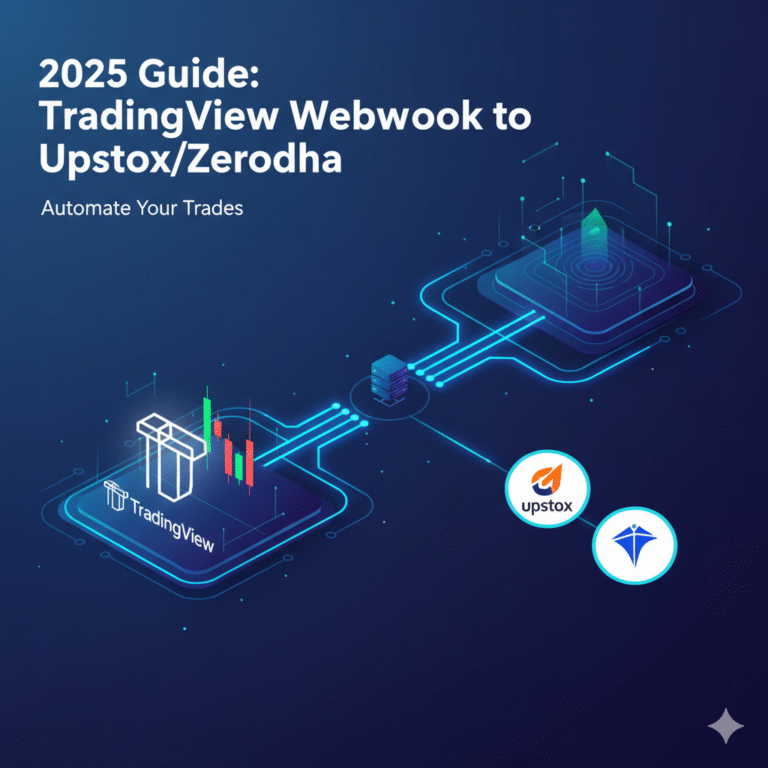
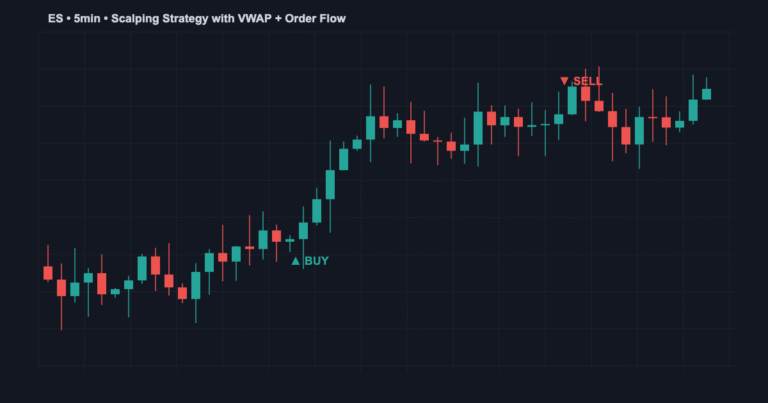
The most popular automation path for Indian traders combines TradingView’s charting with Upstox’s execution. The flow: Pine Script strategy generates signals → TradingView sends webhook → your server receives JSON → converts to Upstox API call → trade executes.
For a complete walkthrough, check our detailed guide on connecting TradingView webhooks to Upstox and TradingView to Upstox automation.
Real-Time Market Data with WebSockets
The Upstox WebSocket API streams live market data directly to your application. This is essential for strategies that need real-time price updates without polling the REST API repeatedly.
Key data available: last traded price, bid/ask spreads, volume, open interest (for derivatives), and OHLC data.
Risk Management with the Upstox API
- Position Sizing: Calculate quantity based on account balance and risk percentage
- Stop Losses: Always place SL orders immediately after entry
- Daily Loss Limit: Track P&L and halt trading if losses exceed threshold
- Rate Limiting: Upstox allows 1 request per second for order placement—respect this
- Error Handling: Implement retries with exponential backoff for transient failures
Common Upstox API Issues
Token Expiry: Access tokens expire daily. Automate re-authentication.
Rate Limits: Too many requests result in 429 errors. Add delays between calls.
Instrument Tokens: Upstox uses unique tokens for each tradable instrument—download the master file daily.
Market Hours: API rejects orders outside trading hours (9:15 AM-3:30 PM for equity).
Frequently Asked Questions
Q: Is the Upstox API free?
A: Yes. No additional charges beyond standard brokerage fees.
Q: Can I trade options with the API?
A: Yes. Upstox API supports equity, futures, options, and commodity segments.
Q: What programming language should I use?
A: Python is most popular due to excellent libraries. JavaScript and Java are also supported.
Q: How fast is order execution?
A: Typically 100-500ms from API call to exchange confirmation.
Conclusion
The Upstox API provides everything you need for professional-grade algo trading in India. Start by getting API credentials, build a simple order-placing script, and iterate from there. For strategy development, check our Pine Script tutorial and algo trading software comparison.
About the Author